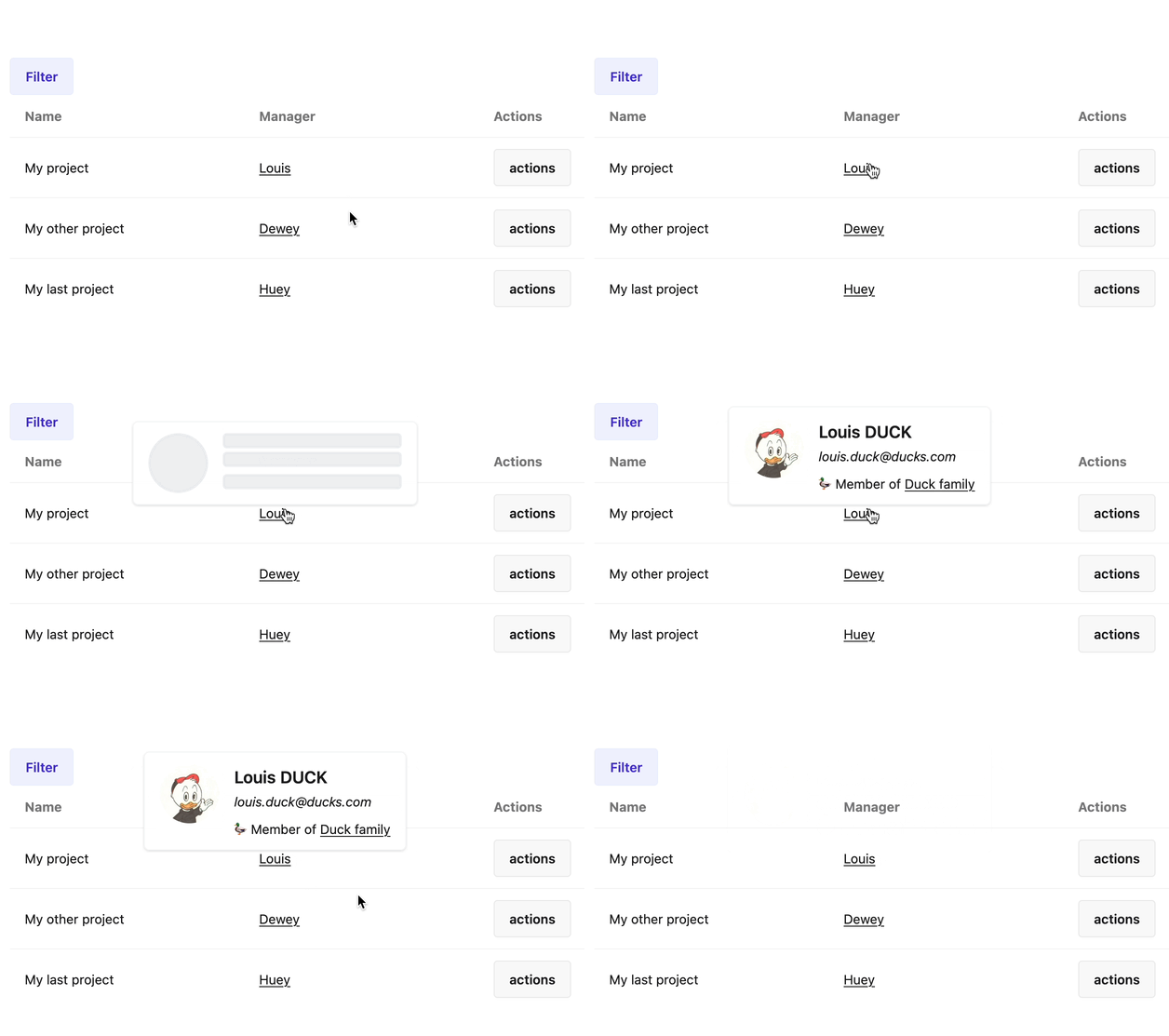
Loading
| Type | String, Symbol |
| Available options | "async", "preload" or "lazy" |
| Default | "async" |
Determines how popover is loaded. By default, "async" option is selected and popover is fetched on server when required.
When option is set to "preload", the popover will be generated during page load and inserted in a <template> element, with the class .popover-content, within the <coup-doeil> element.
Setting the option to "lazy" is useful when the actual content is too long to be generated within normal interaction timing. It allows to display a temporary visual feedback while the actual content is being fetched in background.
preload option is not compatible with dataset syntax.
Lazy loading
When option is set to "lazy", the popover will be rendered in two steps.
- A first step, that should be as fast as possible, during which you can display visual feedback to the user to indicate that loading is in progress. This step does not process the action (the method you defined in the popover class).
- A second one that renders the actual content.
Things to know
- A minimum loading delay of 600 milliseconds is always present to avoid the popover to flicker if the actual content is fetched really quickly. This ensures a consistent user experience for all lazy loaded popovers and allows any animations that may be displayed for visual feedback purposes to be perceived correctly.
- The popover position is computed again when the actual content is finally loaded to ensures there is no overflow with viewport and that it’s still correctly positioned relatively to the coupdoeil element.
- Once a lazy loaded popover’s actual content is loaded, opening it again won’t trigger the lazy loading process if the cache option is set to
true.
Basic configuration
The most basic configuration of lazy loading is simply to set the loading option to "lazy".
# app/popovers/manager_popover.rb

class ManagerPopover < ApplicationPopover
  default_options_for :summary, loading: "lazy"

  def summary
    @manager = params[:manager]
  end
end
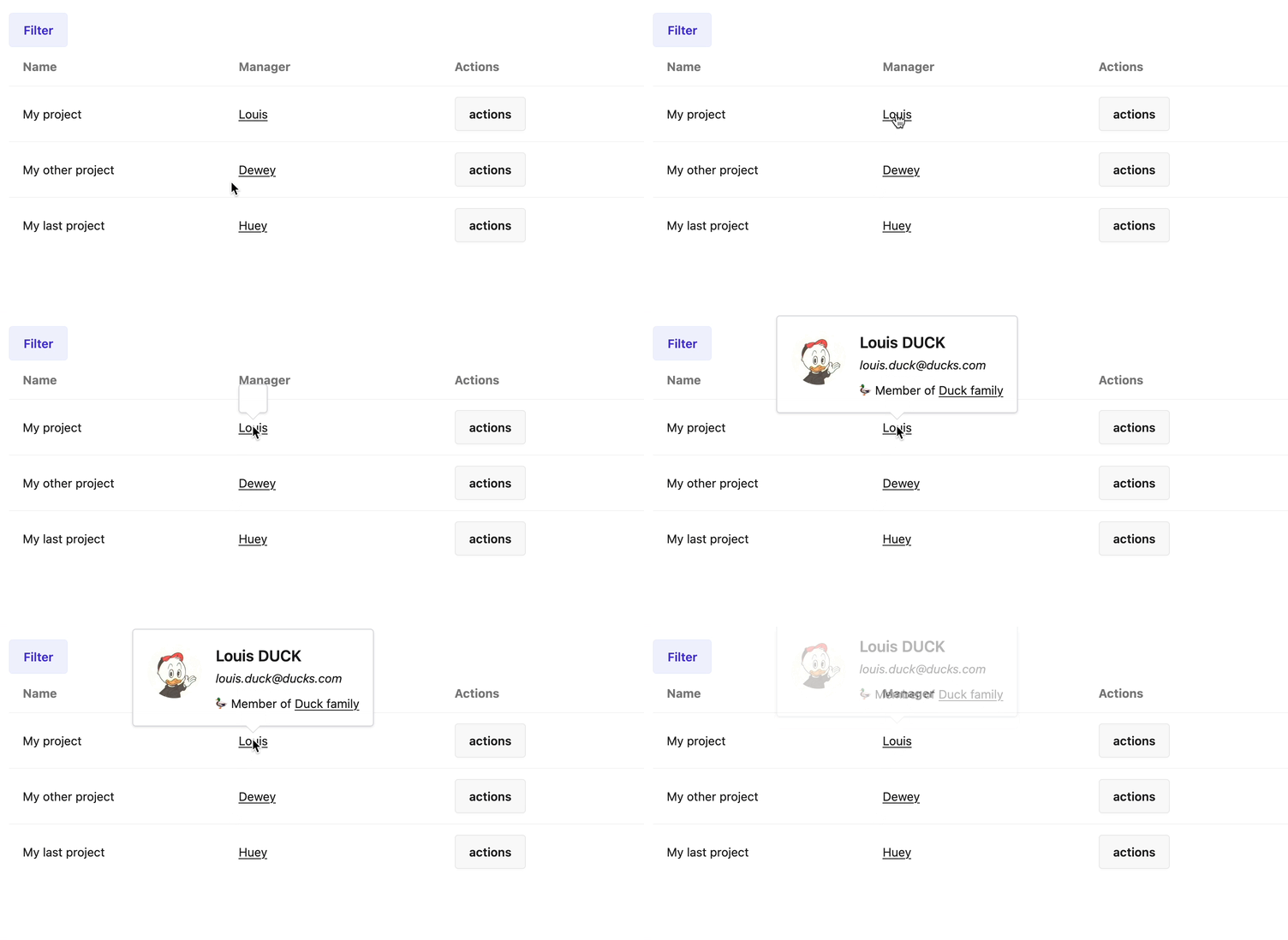
With this basic configuration, an empty layout is rendered first, while the actual content is being fetched in background. When the actual content is ready, it replaces the empty layout. Note that the full popover is replaced, layout included.
Customizing the loading content
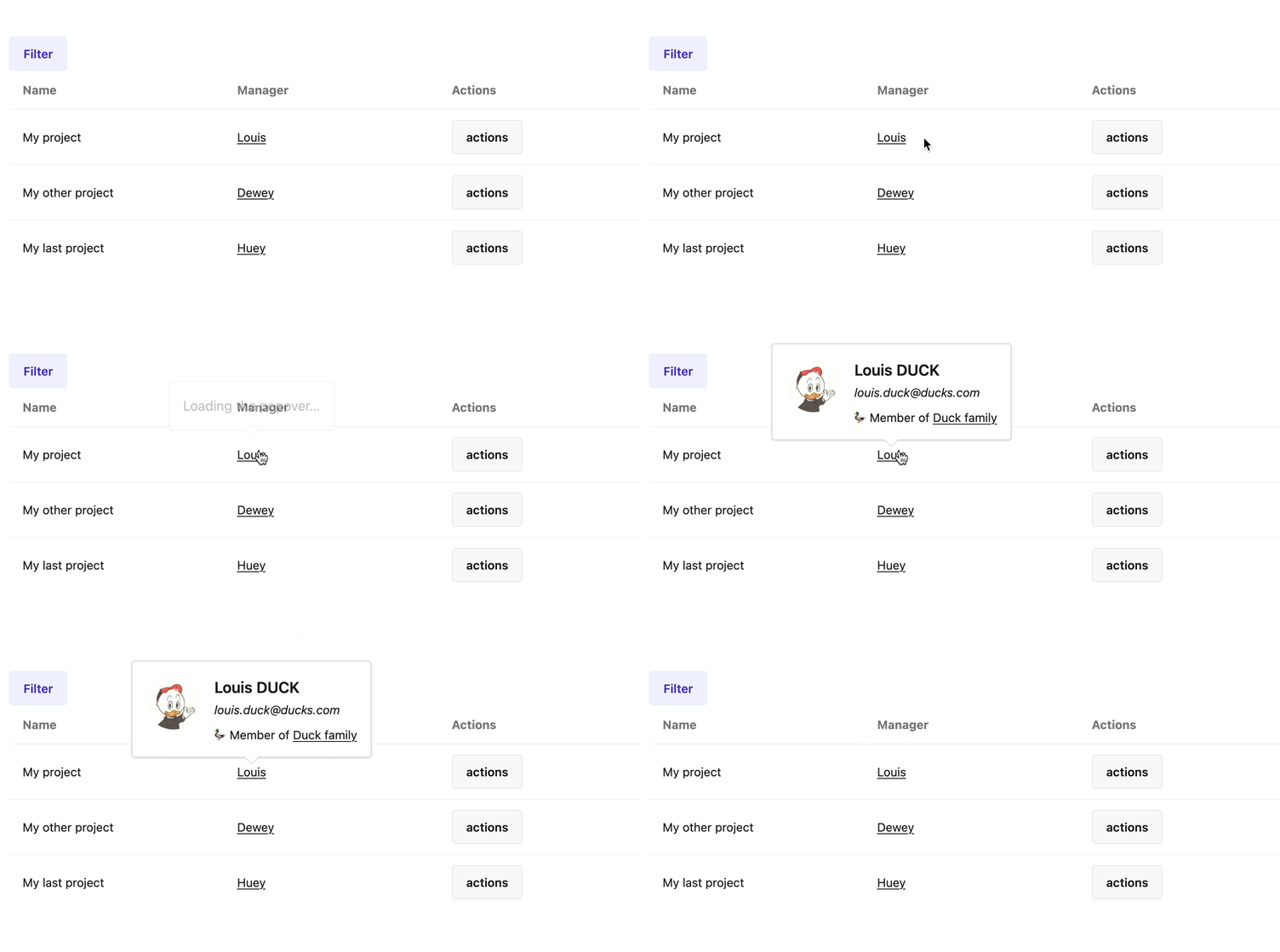
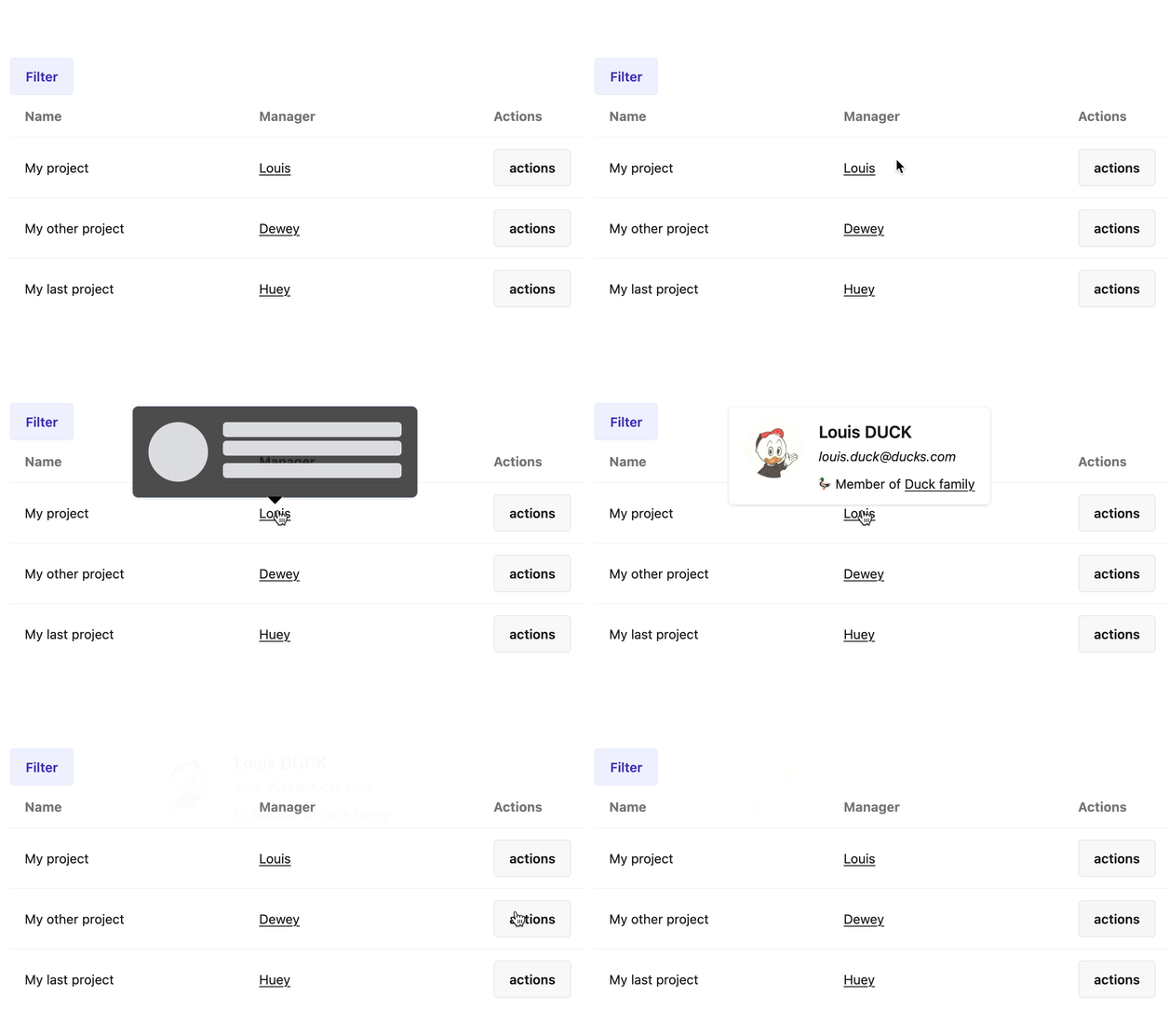
It is possible to customize what is being rendered while the actual content is being fetched, for better visual feedback. The lazy_loading? method is available in template to check if the current rendering cycle is in the first step (popover without content) or the second one (with content).
<!-- app/popovers/layouts/application.html.erb -->
<div class="popover-layout">
  <div data-popover-arrow></div>
  <% if lazy_loading? %>
    <p>Loading the popover…</p>
  <% else %>
    <%= yield %>
  <% end %>
</div>
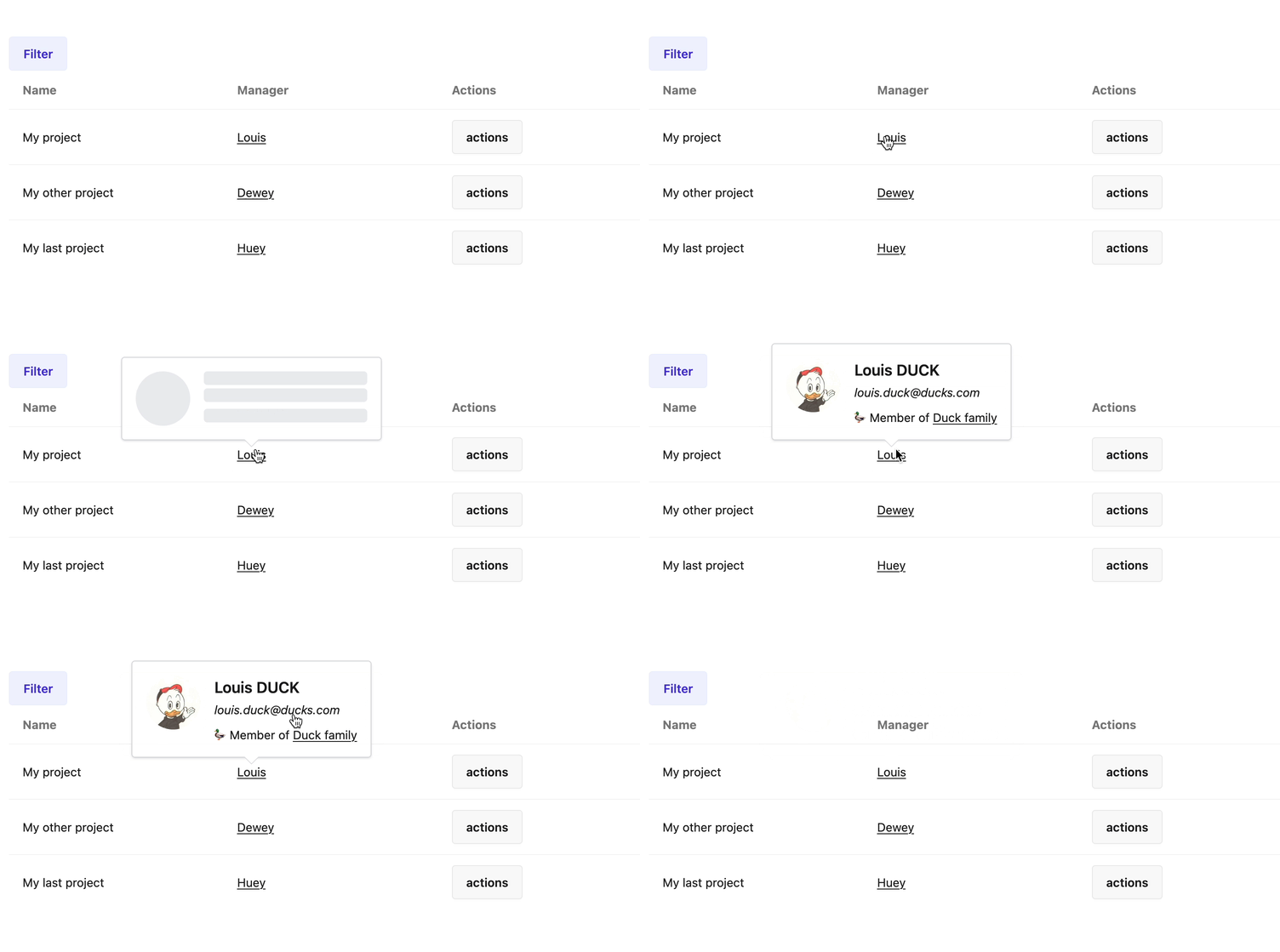
It is also possible to customize the loading content for a specify popover action. It relies on the ActionView variant mechanism. When calling yield in the layout template, it will look for a +loader variant of the action’s template. For example, if the action template is summary.html.erb, it will look for summary+loader.html.erb. It the variant does not exist, yield renders an empty string. To check if a loading variant exists for an action, you can call the no_loader_variant_for_template? method.
<!-- app/popovers/manager_popover/summary+loader.html.erb -->
<div class="flex animate-pulse">
  <div class="mr-4 shrink-0 avatar">
    <div class="size-16 rounded-full bg-gray-200"></div>
  </div>
  <div class="space-y-1">
    <h4 class="text-lg w-48 h-4 rounded bg-gray-200"></h4>
    <div class="text-sm w-48 h-4 rounded bg-gray-200"></div>
    <div class="mt-2 text-sm w-48 h-4 rounded bg-gray-200"></div>
  </div>
</div>
<!-- app/popovers/layouts/application.html.erb -->
<div class="popover-layout">
  <div data-popover-arrow></div>
  <% if lazy_loading? && no_loader_variant_for_template? %>
    <%# lazy loading step but no custom animation to display %>
    <p>Loading the popover…</p>
  <% else %>
    <%# renders the loader variant %>
    <%= yield %>
  <% end %>
</div>
Known issue when a custom layout is set during action
Since the first step of lazy loading does not go through the popover action, if a custom layout is set during this action it won’t be used and the first popover will be rendered with the wrong layout. In this case, the switch between the loading layout and the actual layout may look odd.
# app/popovers/manager_popover.rb

class ManagerPopover < ApplicationPopover
  default_options_for :summary, loading: "lazy"

  def summary
    @manager = params[:manager]

    render layout: "rounded"
  end
end
It is therefore incompatible with this way of doing, and it is required that the custom layout is set outside the action flow, using the layout method provided by Rails. For example:
# app/popovers/manager_popover.rb

class ManagerPopover < ApplicationPopover
  default_options_for :summary, loading: "lazy"

  # for all actions
  layout "rounded"

  # or only for this action
  layout lambda {
    if action_name == "summary"
      "rounded"
    else
      "application"
    end
  }

  def summary
    @manager = params[:manager]
  end
end